Features built for focus
Every feature is designed with one goal: help you learn more effectively from YouTube content.
Distraction-Free Player
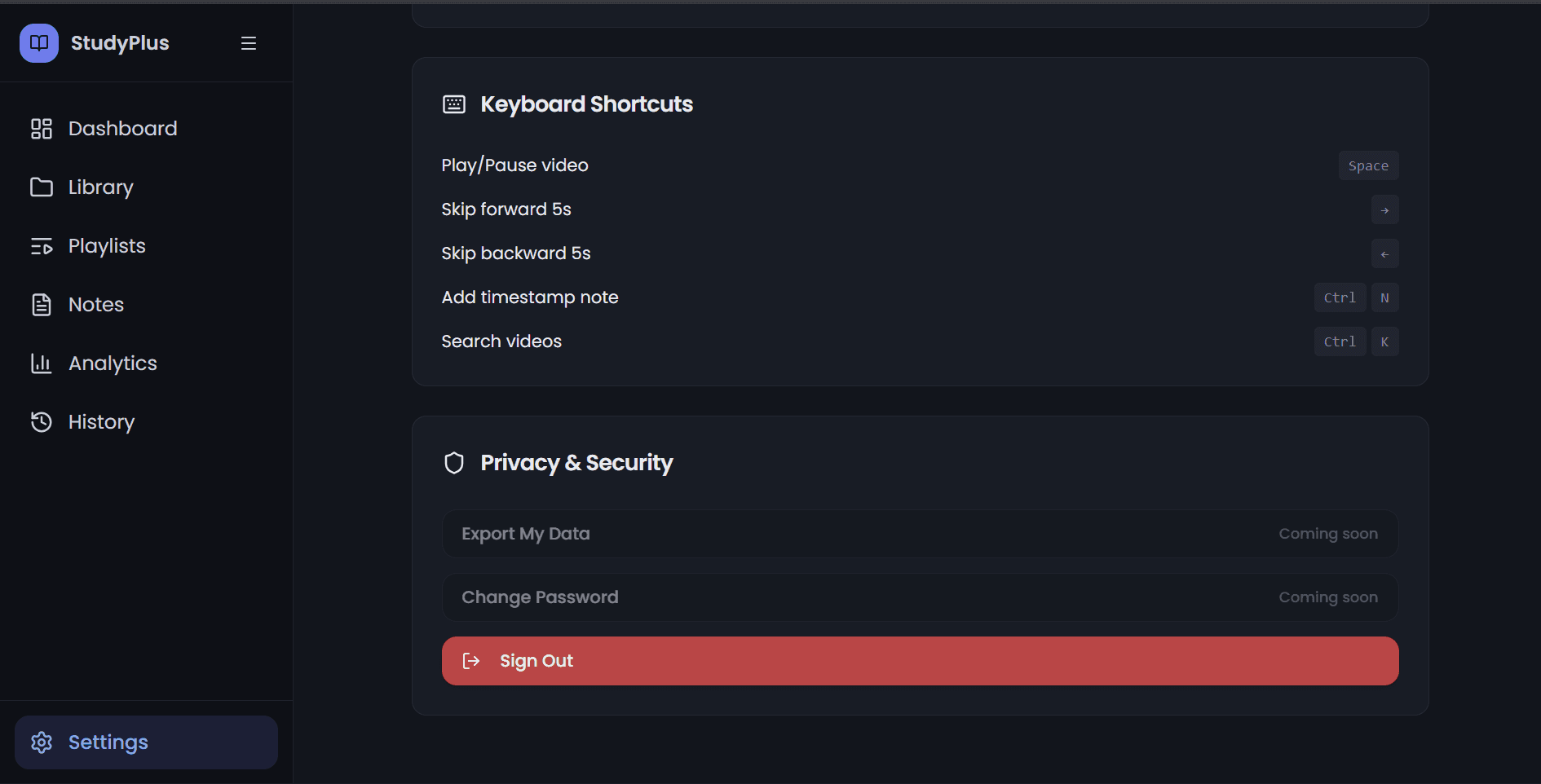
Our player strips away everything that pulls your attention. No comments, no sidebar, no suggested videos. Just you and the content. Resume exactly where you left off, control playback speed, and stay immersed in learning.
- No distractions or clutter
- Resume from last position
- Speed controls (0.5x - 2x)
- Keyboard shortcuts
Smart Playlist Learning
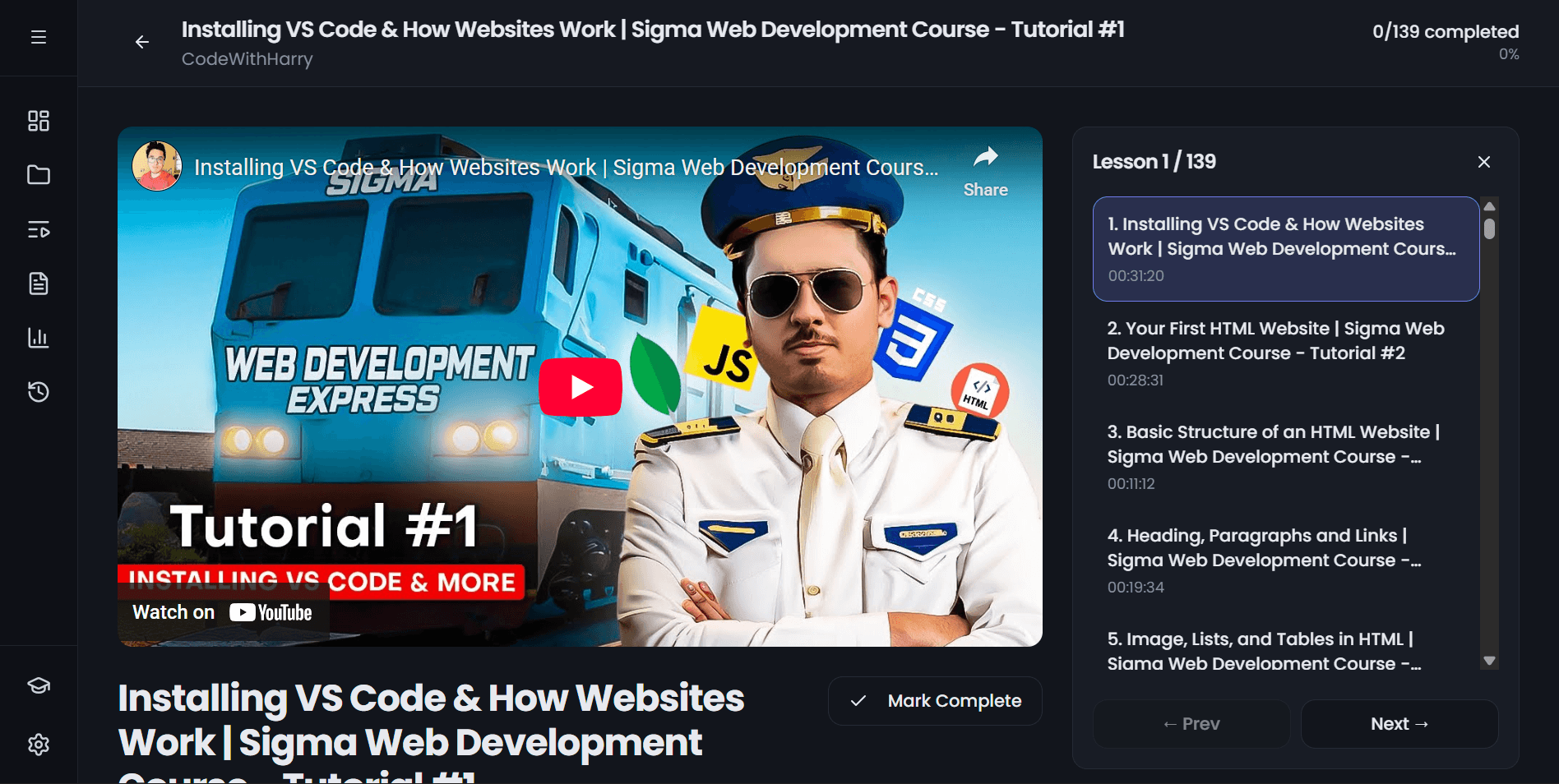
Organize YouTube videos into structured learning paths. Track your progress through each playlist with visual indicators and completion stats. Perfect for courses, tutorials, and learning series.
- Visual progress tracking
- Completion statistics
- Drag-and-drop organization
- Import YouTube playlists
Timestamped Notes
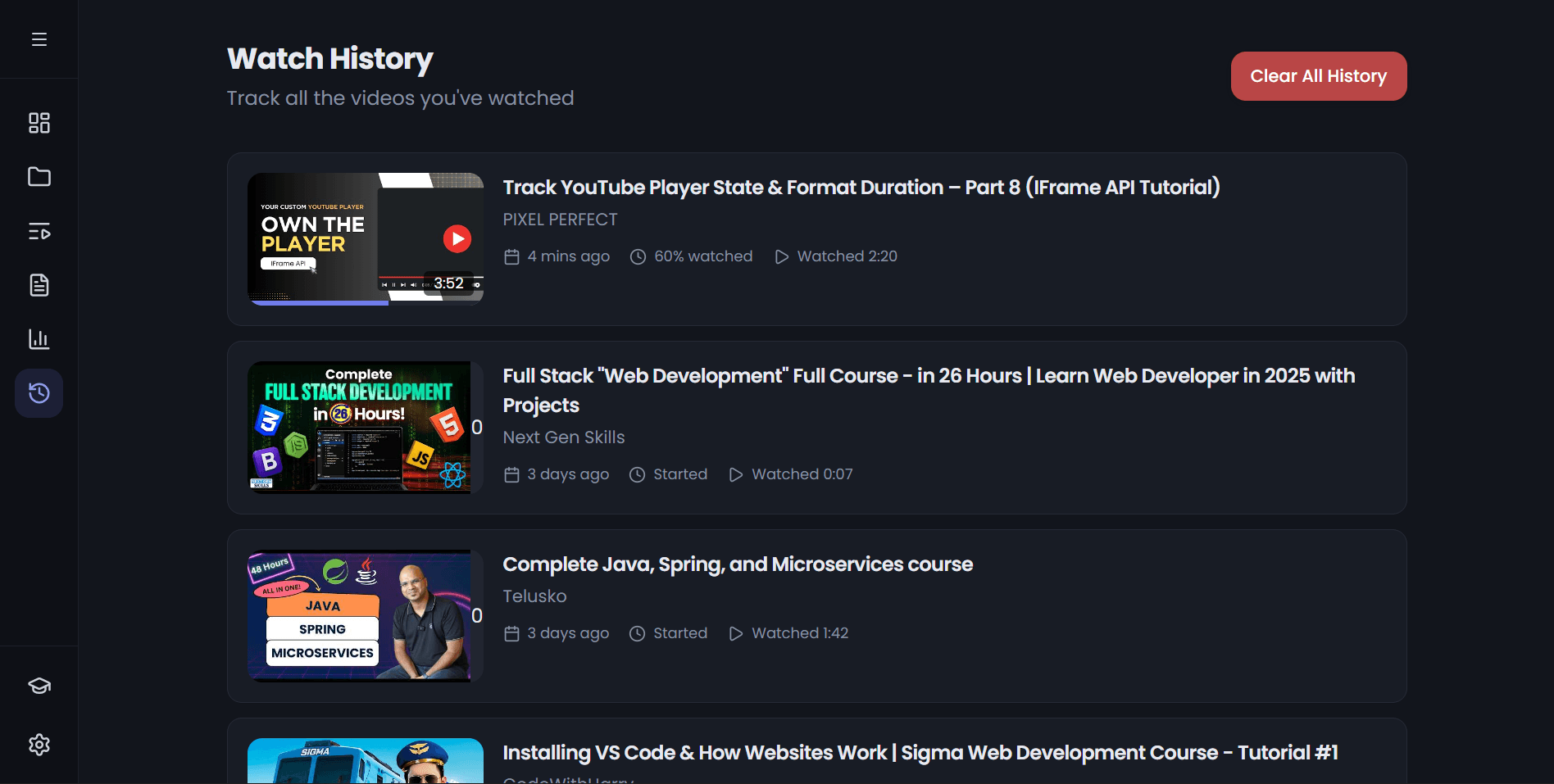
Take notes that link directly to video moments. When reviewing, click any note to jump back to that exact point. Export your notes as markdown for use anywhere.
- Click-to-jump timestamps
- Markdown formatting
- Export to external tools
- Search across all notes
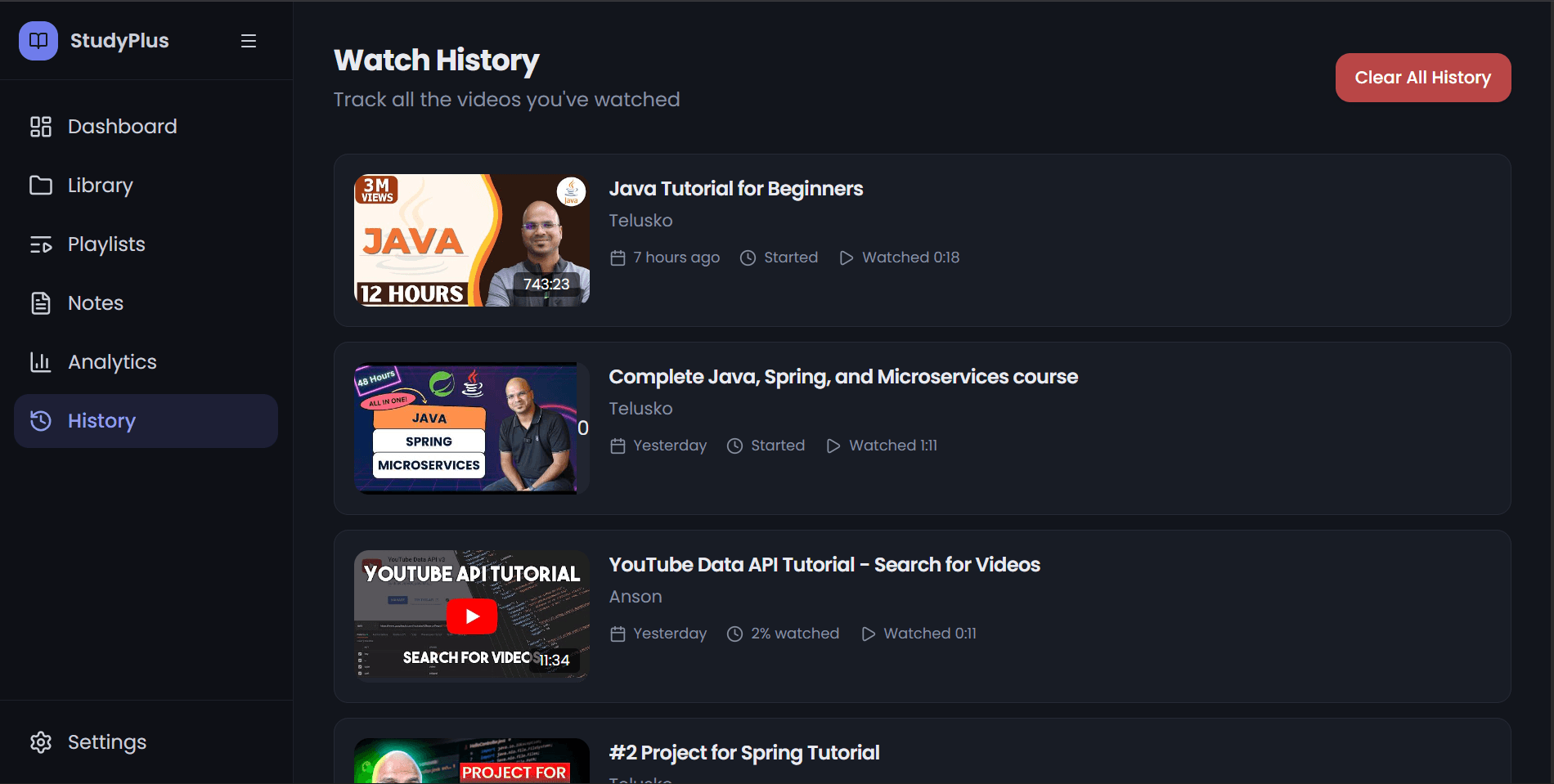
Smart Watch History
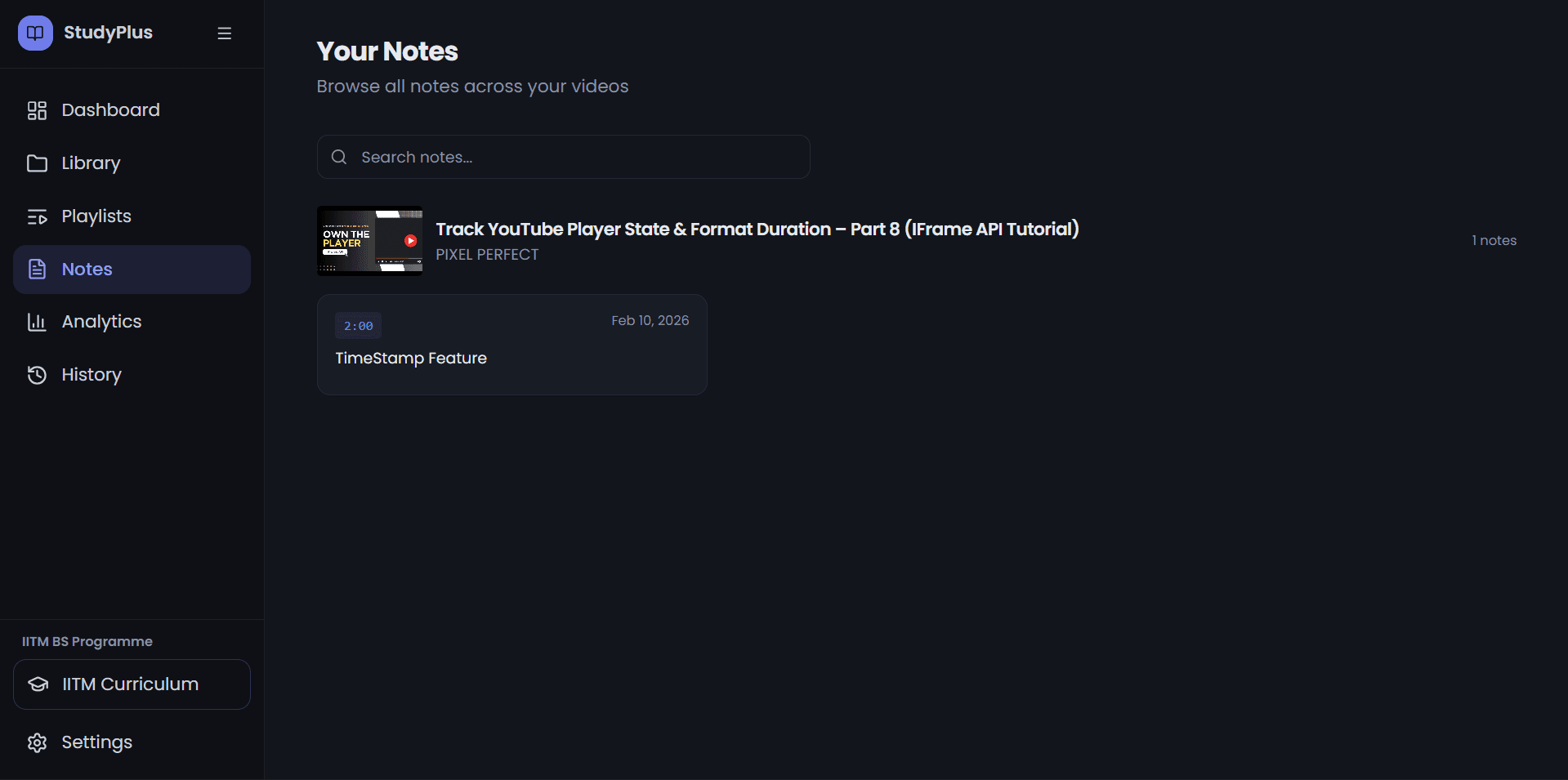
Automatically track every second of learning. Resume videos exactly where you left off, and easily find that one tutorial you watched last week. Everything is searchable.
- Resume playback instantly
- Search your history
- Date-based organization
- One-click history clear
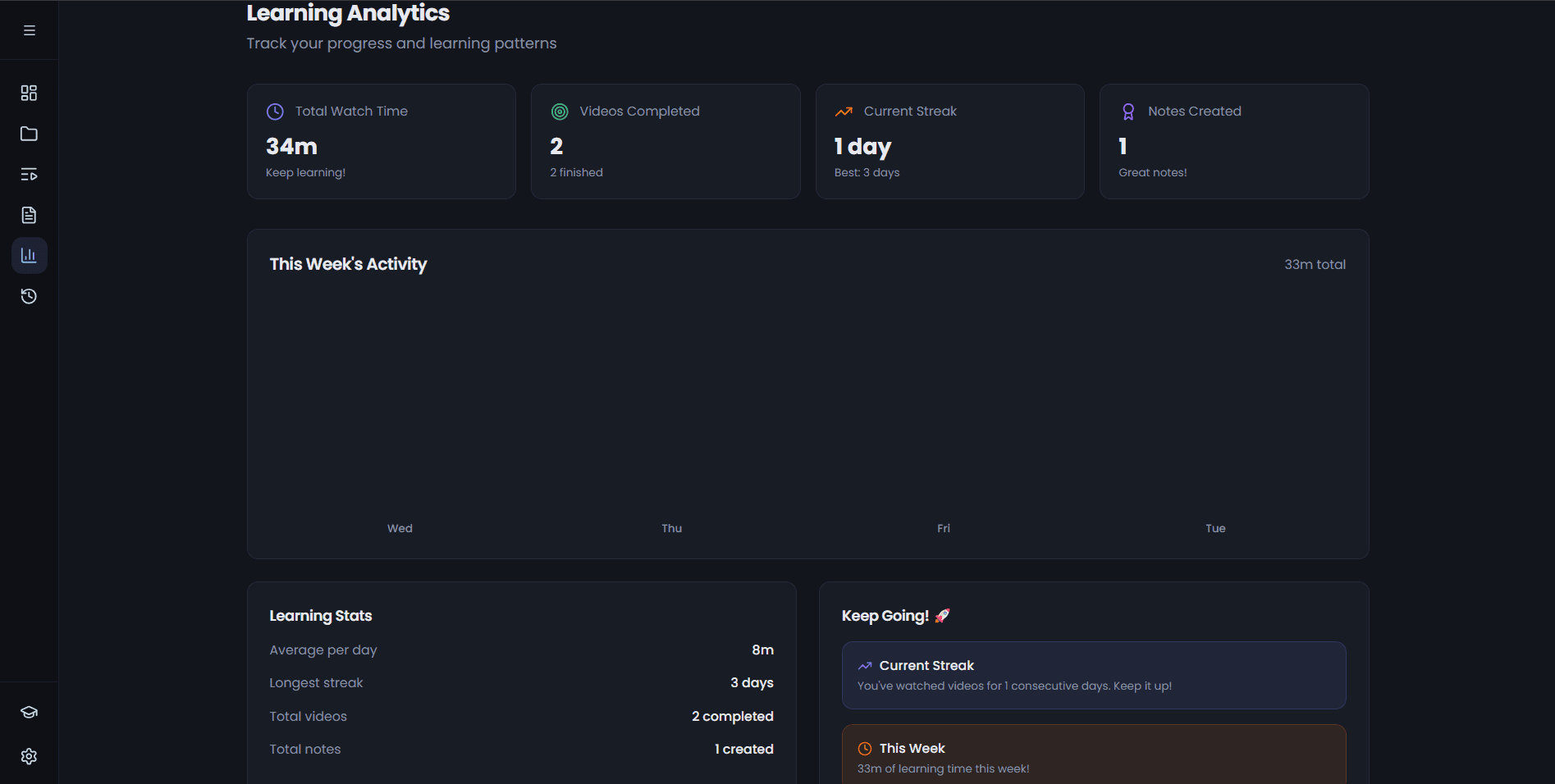
Progress Analytics
Understand your learning patterns with clean, simple analytics. See your weekly study time, completion rates, and streaks. No overwhelming dashboards—just the insights that matter.
- Weekly time tracking
- Completion rates
- Learning streaks
- Goal setting
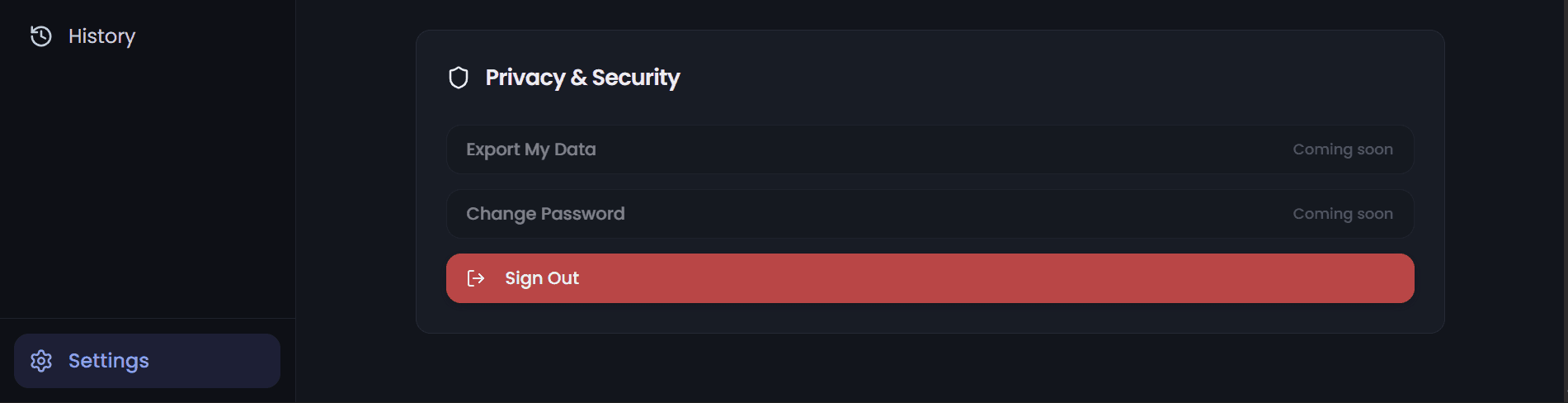
Privacy-First Design
Your learning data stays yours. We don't track what you watch for advertising, sell your data, or share your habits with third parties. Simple, honest privacy.
- No tracking for ads
- Data never sold
- Optional data export
- Account deletion anytime
Keyboard-First Experience
Navigate everything with your keyboard. Play/pause, skip, take notes, switch tabs—all without touching your mouse. Built for power users who value efficiency.
- Full keyboard navigation
- Customizable shortcuts
- Quick command palette
- Vim-style bindings